 MapMoto
Travel Map Animation Maker
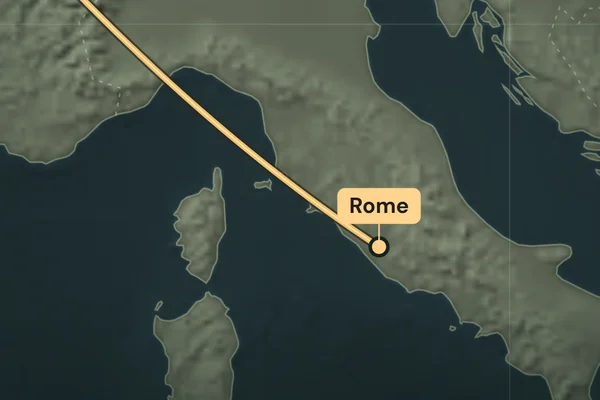
Animate a journey from city to city. Edit the London–Paris–Rome example or add your own stops, then download a vertical MP4 for your travel video.
Loading map…
Explore map tools
Map the stops in your travel video
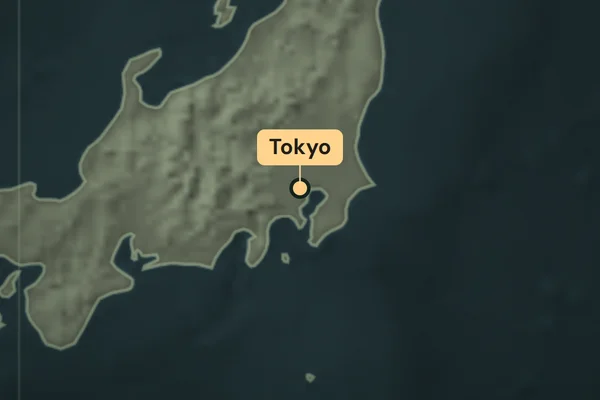
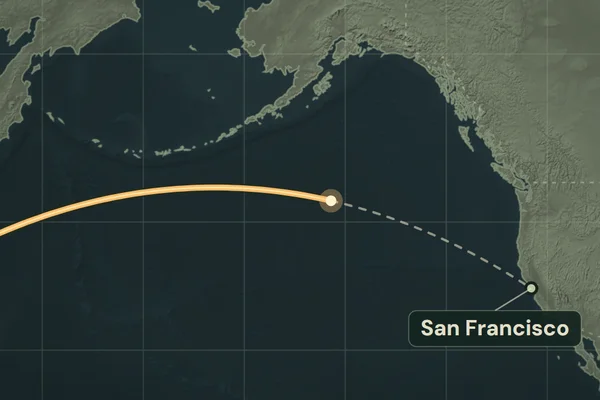
Choose Create from places for a new trip, or edit London, Paris and Rome in the sample. Add up to five cities or enter coordinates for a landmark. Give each stop an arrival time to match when it appears in your footage.
Use Play preview to watch the line advance, or select a stop to check that moment. In Clip settings, turn off Camera follows route if viewers should see the entire itinerary throughout the clip. Choose Export MP4 in desktop Chrome or Edge for a silent 15- or 20-second portrait video.
Can I show the exact hiking, driving, or cycling path?
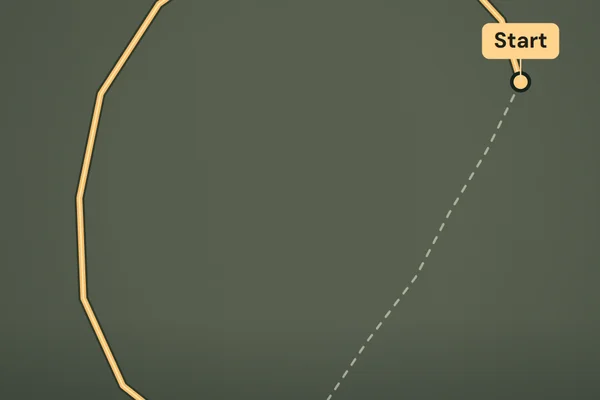
The travel editor draws a schematic connection between places. Use GPX to video to draw a recorded track with its original curves and segments.
Can I match stops to travel narration?
Use Import SRT to find city mentions and use their subtitle times. The YouTube Shorts guide walks through the same three-city journey with real cue offsets.