 MapMoto
GPX to Video Converter
Turn a GPX track into an animated line on a map. Import a file from a GPS device or activity app and export a vertical MP4.
Loading map…
Explore map tools
Turn a GPX track into a map clip
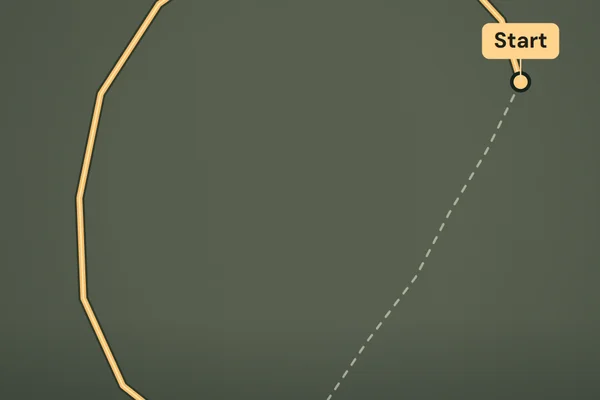
Select Import GPX and choose a GPX track or route exported by your GPS device or activity app. The editor shows the number of points and segments it can draw. The Green Lake demo is an illustrative loop so you can try the controls before importing.
Play the preview and pick a 15- or 20-second duration. The line follows the order of coordinates in the file and leaves gaps between separate track segments. The clip progresses by distance traveled along the recorded line. Keep the full track in frame or enable Camera follows route in Clip settings for a moving shot. Choose Export MP4 for a silent 1080 × 1920 video in desktop Chrome or Edge.
Which GPX files are supported?
Use a GPX file up to 4 MB with no more than 20,000 track or route points. At least one segment needs two distinct coordinates within 82° north or south. The editor reads the file and renders the video in your browser.
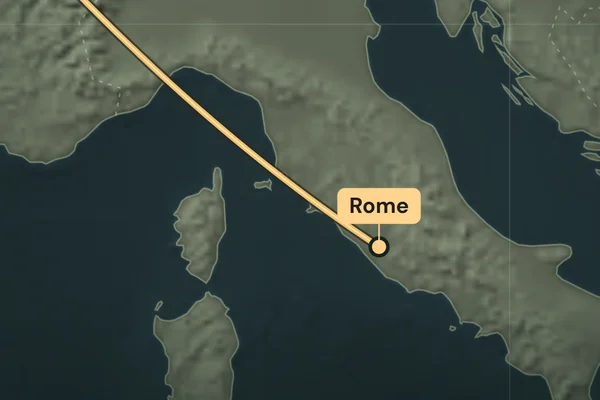
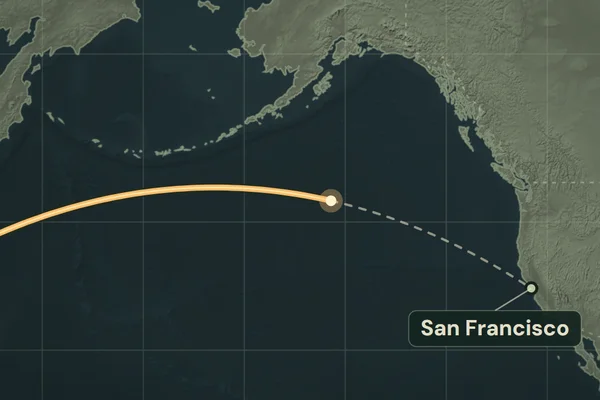
Use the travel map animation maker when you have a list of places to connect.