 MapMoto
All map tools
Map Zoom Animation Maker
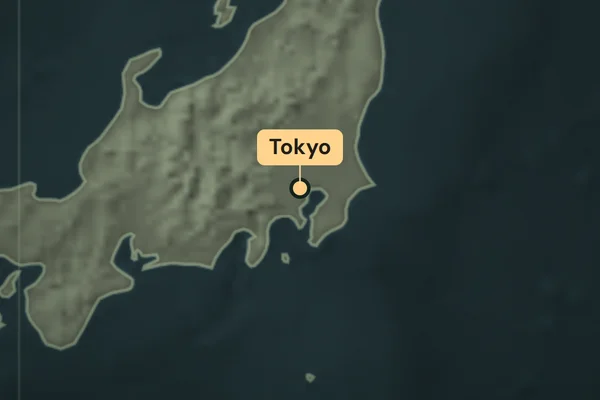
Go from a regional map to one labeled location. Play the Tokyo example, choose your own city or coordinates, and export a vertical MP4.
Loading map…
Sample route
Explore map tools
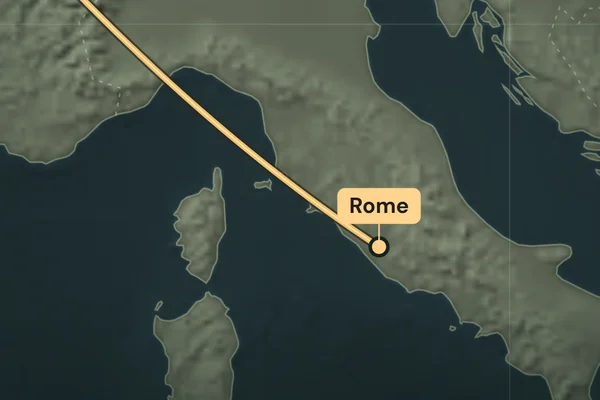
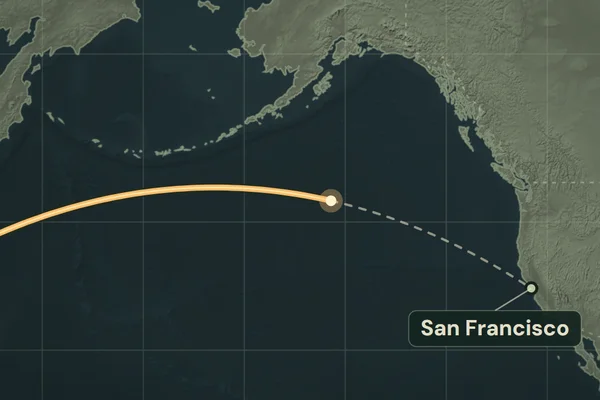
Make a location reveal in three steps
- Select Change location. Search for a city with its country, or enter decimal latitude and longitude to position a landmark.
- Set the Map label and edit the video title above the preview. Play the clip or scrub the timeline to check the wide shot and the final close-up.
- Choose 15 or 20 seconds in Clip settings and select Export MP4 in desktop Chrome or Edge. Add the silent 9:16 clip before your location footage or over narration.
How close does it zoom?
The video moves from a regional view to a closer basemap view centered on your pin. The Natural Earth map shows geography and borders at a regional scale. For a shot that moves between several places, use the travel map animation maker.